
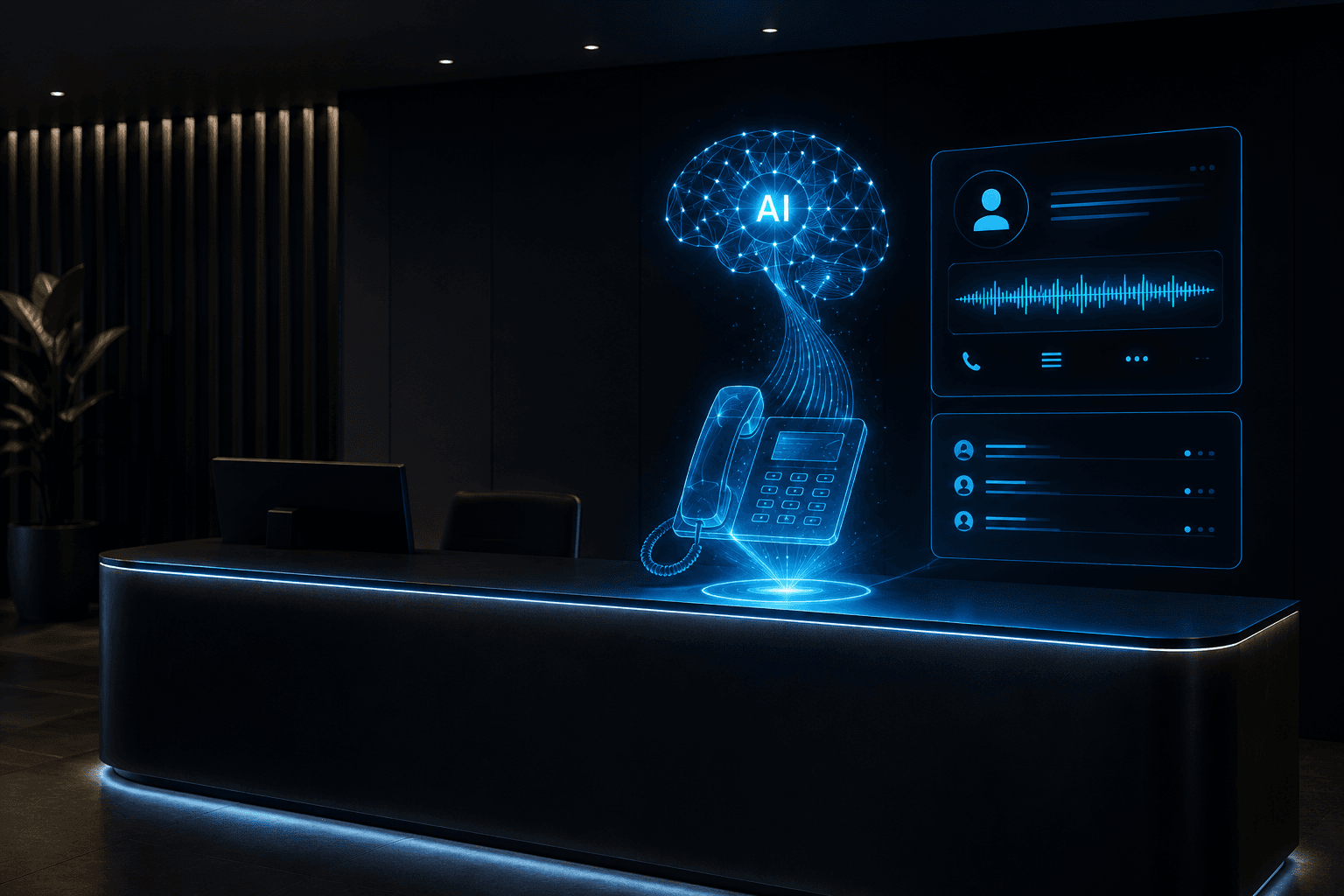
An AI receptionist is a 24/7 voice agent that answers inbound calls, collects caller information, answers FAQs, books appointments, and routes complex issues to humans—without hold music or voicemail. For service businesses that depend on phone calls, it’s one of the highest-ROI AI deployments available.
To work reliably in production (handling accents, interruptions, confusion, and edge cases), you need to:
- Define scope tightly. Let the AI handle the ~80% of predictable calls: greeting, intent capture, FAQs, booking/rescheduling, and routing with summaries. Hand off highly emotional, judgment-heavy, or account-specific decisions to humans.
- Choose the right platform:
- Vapi – Best default for most. API-first, BYO LLM/TTS/STT for lower costs, strong webhooks for CRM/calendar. Great latency and DX if you have some engineering capacity.
- Retell AI – Best for regulated industries (healthcare, legal). HIPAA BAAs, visual flow editor, state-machine conversations for auditable compliance. Higher per-minute cost but strong compliance story.
- LiveKit – Only if you expect very high volume (>10,000 minutes/month) and have infra-savvy engineers. More setup work, but cheaper at scale.
- Design a four-phase conversation flow:
- Opening: Friendly, on-brand greeting confirming the business and asking how to help.
- Intent capture: Classify calls into booking, FAQs, specific person, or urgent issue. Handle ambiguous/compound requests.
- Handling:
- Appointments: Collect date/time + details, check calendar via API, confirm, then send SMS/email confirmation.
- FAQs: Pull from a knowledge base (hours, location, pricing, services, policies) and answer clearly.
- Routing: Capture a short summary and transfer to the right human with that context.
- Closing: Recap what was done (e.g., appointment details), confirm, ask if anything else is needed, and say goodbye.
- Integrate calendar and CRM:
- Calendar: real-time availability checks, booking creation, conflict detection, and confirmations (SMS/email). Handle multiple staff, service types, durations, and buffers.
- CRM: log who called, when, why, and the outcome for lead tracking and follow-up.
- Engineer prompts for voice, not chat:
- Expect disfluencies and mid-sentence changes; avoid forcing callers to repeat.
- Use explicit confirmations for dates, times, and contact details.
- Support interruptions gracefully—stop speaking, listen, and adapt.
- In the system prompt, define: business + agent identity, personality, intent-specific instructions, required data fields, and examples for edge cases (unavailable times, unclear callers, missing phone number, etc.).
- Test thoroughly before go-live:
- Simulate confused callers, strong accents, rambling, and noisy environments.
- Run full end-to-end booking flows, including SMS confirmations.
- Test FAQs with varied, off-script phrasing.
- Test human routing and escalation.
- Record calls, review transcripts, and fix prompt gaps where bookings fail or callers sound confused.
- A typical production deployment includes:
- Dedicated phone number (Twilio or platform telephony)
- Configured AI voice agent (Vapi/Retell + prompts + knowledge base)
- Calendar API integration for availability and booking
- SMS confirmations (e.g., via Twilio)
- Monitoring (call volume, booking success, escalation rate)
- Human fallback number and clear escalation rules
Timeline: 1–3 days for a functional prototype; 2–4 weeks for a fully integrated, tested, documented production system.
If you want to outsource the build, Hestur offers fixed-scope AI receptionist deployments for service businesses, delivering a working, integrated system in 2–4 weeks and training your team to maintain it. The free PoC call is a 30-minute scoping session to map what’s possible with your current phone system and calendar.