
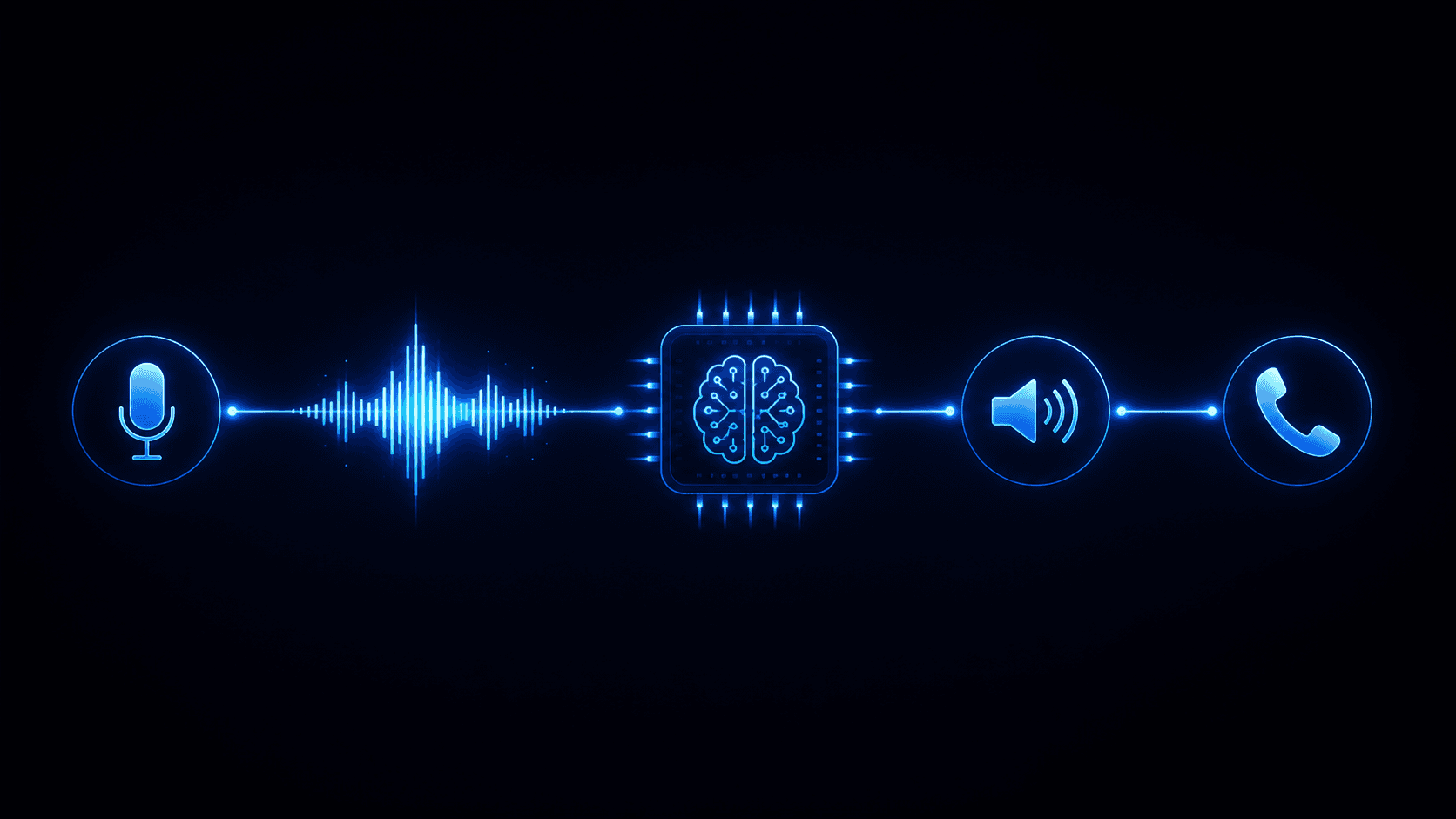
Building a production AI voice agent requires four components: a speech-to-text (STT) engine, a language model (LLM) for intent understanding and response generation, a text-to-speech (TTS) engine, and a telephony layer to handle phone calls. Platforms like Vapi and Retell AI bundle these components, letting you deploy a working prototype in 1–3 days. A production system with CRM integration, error handling, and monitoring takes 2–4 weeks.
The four components of a voice AI agent
1. Speech-to-text (STT)
STT converts the caller’s audio to text. The leading options in 2026:
- Deepgram Nova-3 — fastest at 200–300ms, best accuracy for telephony audio, strong on accented speech
- OpenAI Whisper — best accuracy for difficult audio, slower (400–600ms), higher cost
- AssemblyAI — good mid-tier option with speaker diarisation built in
For most voice agents, Deepgram is the right choice. It’s fast enough to feel natural and accurate enough for standard business conversations.
2. Language model (LLM)
The LLM is the brain. It receives the caller’s transcribed text, decides what the caller wants, and generates the response. The right model depends on your use case:
- GPT-4o mini / Claude Haiku — fast, cheap, good for structured tasks (booking, FAQ, intake). Adds ~100–200ms latency.
- GPT-4o / Claude Sonnet — better reasoning, more natural conversation, higher cost. Adds ~200–400ms latency.
- OpenAI Realtime API — speech-to-speech, bypasses STT/TTS entirely, 150–250ms end-to-end. Best option for ultra-low-latency applications.
Your system prompt is the most important variable. Write it as if training a new employee: define the agent’s role, what it can and cannot do, how to handle objections, and exactly when to escalate to a human.
3. Text-to-speech (TTS)
TTS converts the LLM’s text response into audio. Quality and naturalness vary significantly:
- ElevenLabs Turbo v2 — most natural-sounding voices, lowest latency for ElevenLabs (80–120ms), more expensive
- Cartesia Sonic — fastest TTS available (50–80ms), good quality, competitive pricing
- OpenAI TTS-1 — good quality, reliable, included in OpenAI pricing
- Deepgram Aura — built into Deepgram, reduces latency by keeping STT and TTS in one system
4. Telephony layer
The telephony layer handles the actual phone call — routing, SIP trunking, call recording, and DTMF (keypad input). Options:
- Vapi — managed SIP, handles telephony, includes phone number provisioning
- Retell AI — same; HIPAA-eligible on Business plan
- LiveKit — self-managed, works with Twilio or Telnyx for SIP
- Twilio Programmable Voice — raw telephony, requires more engineering but full control
Which platform should you use?
| Platform | Best for | Typical cost/min | Setup time |
|---|---|---|---|
| — | — | — | — |
| Vapi | API-first, outbound SDR, receptionist | $0.23–0.33 | Hours |
| Retell AI | HIPAA, regulated industries, visual flow | $0.21–0.30 | Hours |
| LiveKit | Scale 10k+ min/month, custom pipelines | $0.07–0.20 | Days–weeks |
| Custom (LiveKit + APIs) | Full control, enterprise scale | $0.07–0.15 | Weeks |
Step-by-step: building a voice agent with Vapi
Step 1: Define the use case precisely.
Before writing a single line of code, answer: What is the agent’s single job? A receptionist that books appointments is different from an outbound SDR that qualifies leads. Pick one use case for your PoC.
Step 2: Write the system prompt.
Start with role definition, then constraints, then escalation logic. Example for a dental receptionist:
You are a friendly receptionist for [Practice Name]. You help patients book, reschedule, and cancel appointments. You can also answer questions about hours, location, and insurance. If a caller asks about symptoms, medication, or medical advice, say: “That’s a question for your care team — let me connect you or take a message for the nurse.” Never attempt to diagnose or give medical advice.
Step 3: Configure STT, LLM, TTS in Vapi.
Vapi’s dashboard lets you swap providers. Start with Deepgram + GPT-4o mini + Cartesia — this combination delivers sub-400ms end-to-end latency at reasonable cost.
Step 4: Connect your phone number.
Vapi provisions a phone number in minutes, or you can port your existing number. Test with real calls before connecting it to production.
Step 5: Add CRM integration.
Vapi’s function calling lets the agent query and update your CRM during calls. Define the functions in your Vapi config and build the handler endpoint.
Step 6: Test with real scenarios.
Run 50+ test calls covering: happy path, caller interruptions, unclear speech, edge cases (patient with no appointment, caller who wants something outside scope), and escalation triggers.
Step 7: Monitor and iterate.
In the first two weeks live, review call recordings daily. System prompts need tuning as you discover real-world edge cases the test calls didn’t cover.
Common mistakes
Too broad a system prompt. An agent that tries to handle scheduling, billing questions, clinical inquiries, and complaints will handle none of them well. Narrow the scope aggressively for your PoC.
Ignoring interruption handling. Callers interrupt AI agents constantly. Configure your STT to detect the caller speaking mid-response and cut the audio immediately. Nothing frustrates callers more than an AI that keeps talking while they interrupt.
No escalation path. Every voice agent needs a clear path to a human. Define what “urgent” means, how the transfer happens (warm or cold), and what happens if no agent is available.
Skipping latency measurement. Measure end-to-end latency (from end of caller utterance to start of agent response) from day one. Target under 600ms. Above 1 second feels robotic and destroys the conversation.
How long does it take?
- Working prototype: 1–3 days (Vapi or Retell AI)
- Production-ready single use case: 2–4 weeks
- Multi-use-case, monitored, CRM-integrated: 6–12 weeks
- Enterprise custom infrastructure: 12–24 weeks
Ready to build? Hestur AI builds production voice AI agents in 2–4 weeks. Book a scoping call to define the use case and get a fixed price.