
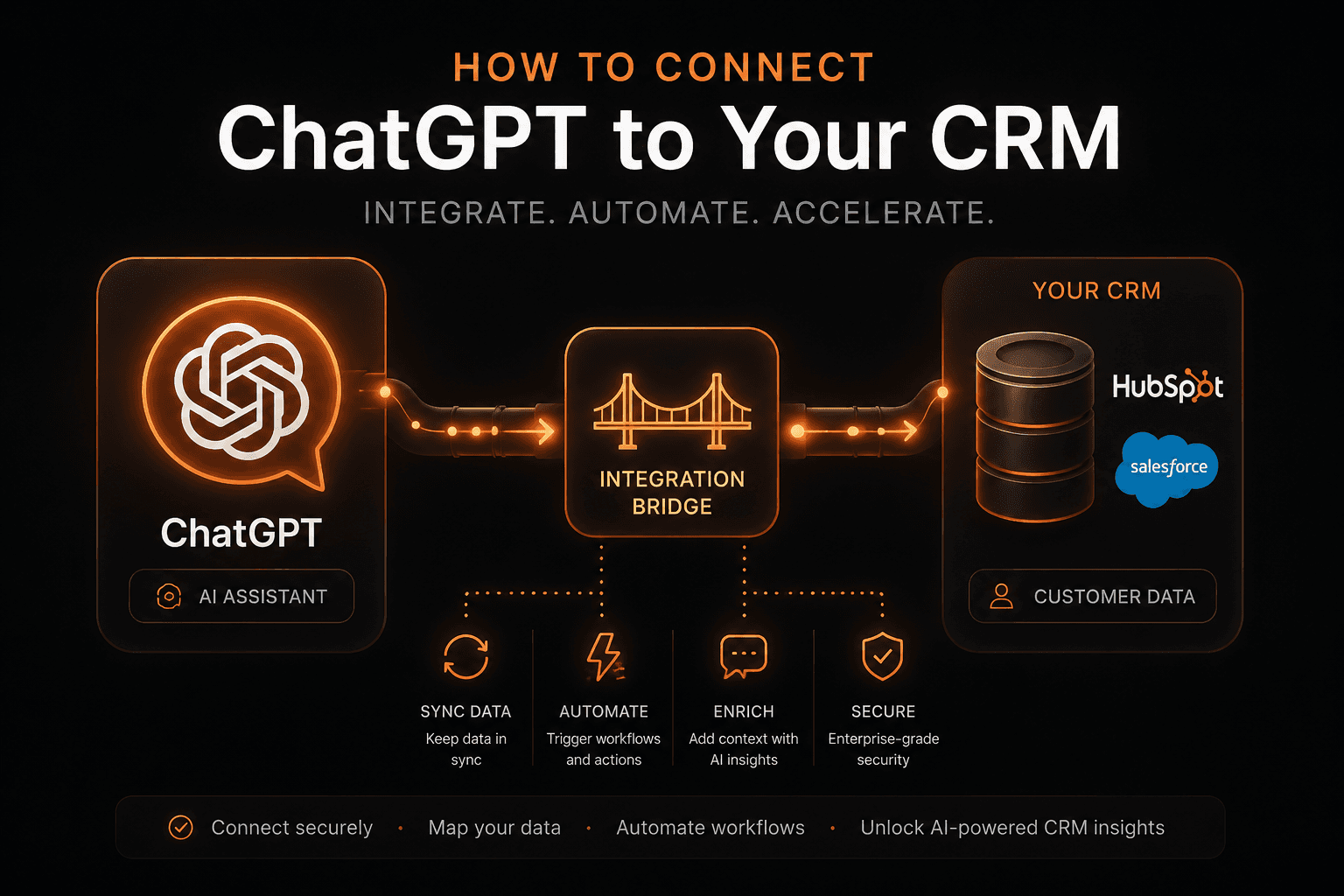
Connecting ChatGPT to your CRM isn’t a single switch you flip; it’s a spectrum of integration depth, from lightweight read-only access to fully autonomous, bidirectional agents embedded in your workflows. The right choice depends on what you want the AI to actually do, how much control you need over data access, and how much engineering effort you’re prepared to invest.
What “Connecting ChatGPT to Your CRM” Really Means
When people say “connect ChatGPT to our CRM,” they’re usually talking about one of three very different capabilities:
1. Read Access (Lookup Only)
The AI can read CRM data but not change it.
Example:
“What’s the status of the deal with Acme Corp?”
The AI calls your CRM’s API, retrieves the deal record, and answers using that data. This is the lowest-risk, simplest form of integration.
2. Write Access (Update & Create)
The AI can modify CRM records.
Example:
“Log that call with Acme and set the next action to follow up Thursday.”
Here, the AI calls CRM APIs to create activities, update fields, or move deals through stages. This is more powerful but introduces security, validation, and audit concerns.
3. Bidirectional Integration (Embedded AI Agent)
The AI becomes a workflow participant, not just a Q&A layer.
Example:
- Researches new leads
- Drafts personalised outreach
- Updates pipeline stages
- Schedules follow-ups
- Triggers downstream processes (notifications, tasks, SLAs)
This is an agent that reasons over CRM data, takes actions, and maintains context over time. It’s the most powerful and the most engineering-heavy.
Before you build anything, decide explicitly which of these levels you need.
Approach 1: ChatGPT Plugins / GPT Actions (Simplest)
Best for: Fast, internal, chat-based read access (with optional light write access) to popular CRMs.
OpenAI’s GPT Actions let you:
- Define an OpenAPI schema for your CRM’s REST API
- Configure OAuth to authenticate users
- Give a custom GPT the ability to call those endpoints
From a user’s perspective, they stay inside ChatGPT and ask:
“Show me all open deals over $50k closing this quarter.”
The GPT calls your CRM’s API, gets structured data, and responds conversationally.
Strengths
- Very fast to set up for well-documented CRMs (HubSpot, Salesforce, Pipedrive)
- No backend code required for basic read access
- Great for internal teams already living in ChatGPT
Limitations
- ChatGPT-only: you can’t embed this directly into your own app or website
- Chat-first UX: may not match how your sales/support teams prefer to work
- No cross-session memory: context doesn’t persist between conversations
- Write access is risky: if you expose write endpoints, the GPT will use them; you must design strict scopes and guardrails
When to Use
- You want a quick, low-friction way for internal users to query CRM data
- You’re okay with the experience living inside ChatGPT
- You’re starting with read-only or very constrained write operations
Approach 2: API Integration via n8n or Make.com (Medium Complexity)
Best for: Event-driven automation and bidirectional workflows without building a full backend.
Tools like n8n and Make.com provide:
- Native CRM integrations (HubSpot, Salesforce, Pipedrive, Zoho, etc.)
- Native OpenAI integrations
- Visual workflow builders
You can design flows such as:
- Triggers
- New lead created