
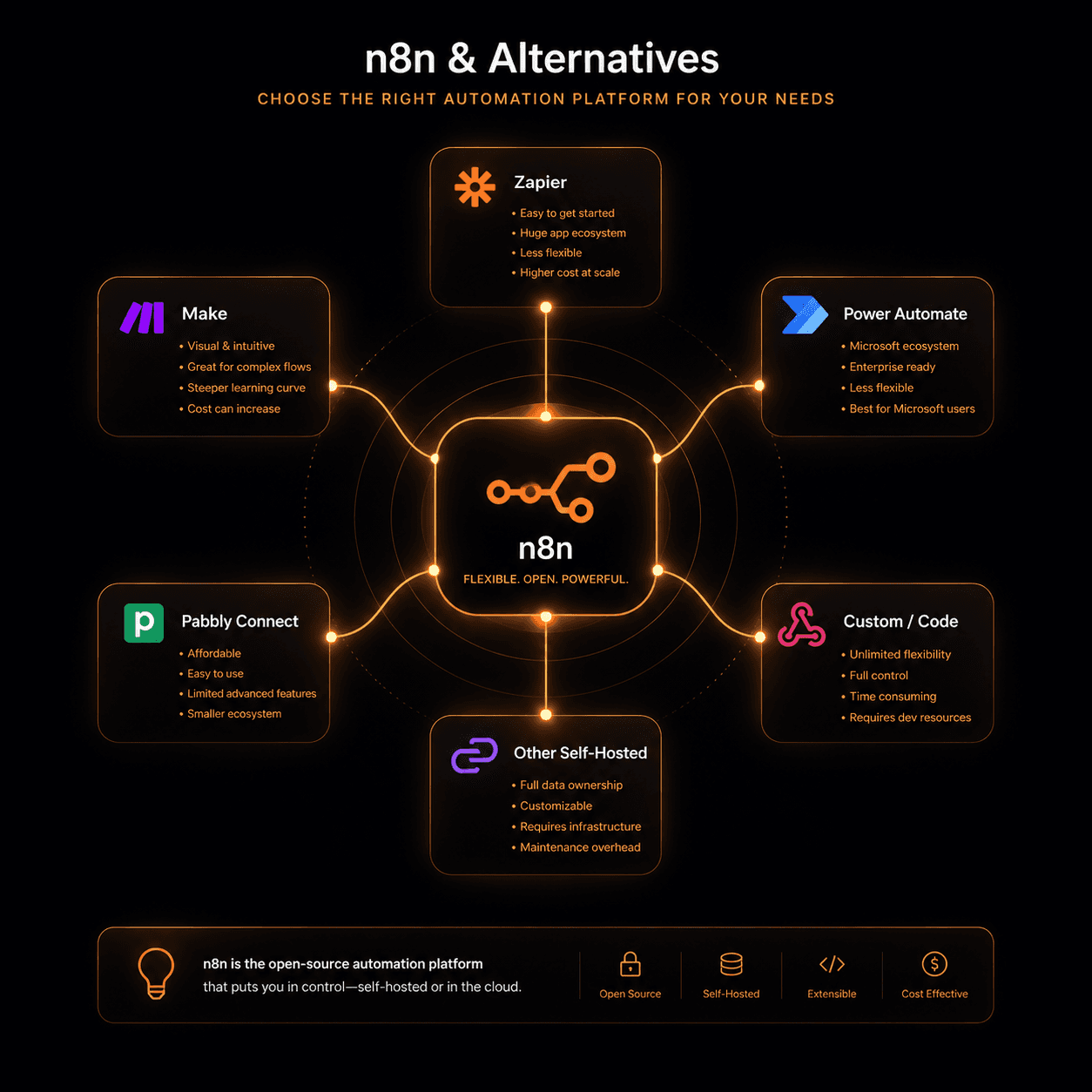
n8n is an excellent workflow automation tool, but it’s not the right fit for everyone. Whether you need more polish, fewer DevOps headaches, stronger enterprise support, or a fundamentally different approach, there are solid alternatives. Here’s an honest comparison.
Why do people look for n8n alternatives?
The most common reasons:
Self-hosting complexity. n8n is open-source and runs best self-hosted. For teams without a DevOps function, setting up Docker, managing updates, handling backups, and ensuring uptime is a meaningful burden. n8n Cloud exists, but it’s significantly more expensive than the self-hosted option.
UI polish. n8n’s interface is functional but dense. Teams coming from Zapier or Make.com often find the learning curve steeper than expected.
Enterprise features. Single sign-on, role-based access control, and audit logging are available but require the Enterprise plan, which starts at custom pricing.
Node library gaps. n8n has ~400 integrations. If the specific tool you need isn’t there, you’ll need to write a custom node — which requires JavaScript knowledge.
Error handling. n8n’s error handling has improved but still requires manual configuration for complex retry logic and fallback paths.
Make.com (formerly Integromat)
Best for: Teams wanting a polished UI and deep scheduling control without self-hosting.
Make.com is the closest direct alternative to n8n for teams that want visual workflow building with more consumer-grade polish. Its scenario model — where workflows are called “scenarios” and operations are counted per execution — is intuitive for non-technical users.
Strengths:
- Cleaner visual editor, easier to read complex flows
- Strong scheduling and triggering options
- Better out-of-the-box error handling and rollback
- 1,000+ app integrations
- No self-hosting required
Weaknesses:
- Operation-based pricing gets expensive at volume (10,000+ operations/month)
- Less flexible than n8n for custom code steps
- Data stored on Make’s servers (compliance consideration for some industries)
- No self-hosted option
Pricing: Free (1,000 ops/month), Core $9/month (10,000 ops), Pro $16/month (10,000 ops with more features), Teams and Enterprise on request.
Switch from n8n if: You don’t have DevOps capacity, your team is non-technical, and your workflows don’t require heavy custom code.
Zapier
Best for: Non-technical teams who need 2-step automations between popular SaaS tools.
Zapier is the oldest and most recognisable automation platform. Its strength is breadth — 7,000+ app integrations — and its simplicity: most Zaps are two-step (trigger → action) and can be set up in minutes without any training.
Strengths:
- Largest integration library
- Easiest onboarding for non-technical users
- Excellent documentation and community
- Paths (conditional logic) and multi-step Zaps cover most business needs
Weaknesses:
- Expensive at scale (tasks-based pricing, not operation-based)
- Limited data transformation capabilities
- Multi-step workflows with complex branching become unwieldy
- No real custom code execution (Code by Zapier is limited)
- Not designed for high-volume data processing
Pricing: Free (100 tasks/month), Starter $19.99/month (750 tasks), Professional $49/month (2,000 tasks), Team $69/month. Gets very expensive above 10,000 tasks/month.
Switch from n8n if: Your automations are simple (2–4 steps), you connect common SaaS tools, and you value ease of use over power.
Activepieces
Best for: Teams that want n8n’s open-source self-hosted model but with a cleaner interface.
Activepieces is an open-source n8n alternative that launched in 2022 and has rapidly grown. It’s designed to be self-hostable like n8n, but with a more modern UI and a stronger focus on developer experience.
Strengths:
- Genuinely clean, modern interface
- Self-hostable with a Docker Compose setup similar to n8n
- Open-source with active development